Category: Business Tips

  • The Complete Guide to Omnichannel Customer Communication (2026)

    The Complete Guide to Omnichannel Customer Communication (2026)

    Your customers don’t think in channels. They message you on WhatsApp in the morning, reply to an email at lunch, and slide into your Instagram DMs at night — and they expect you to remember the whole conversation. Omnichannel customer communication is how modern teams meet that expectation without drowning in tabs.

    This guide explains what omnichannel communication actually means, how it differs from “multichannel,” the benefits and the common pitfalls, and a practical way to set it up so every conversation turns into a relationship — and, ideally, revenue.

    What is omnichannel customer communication?

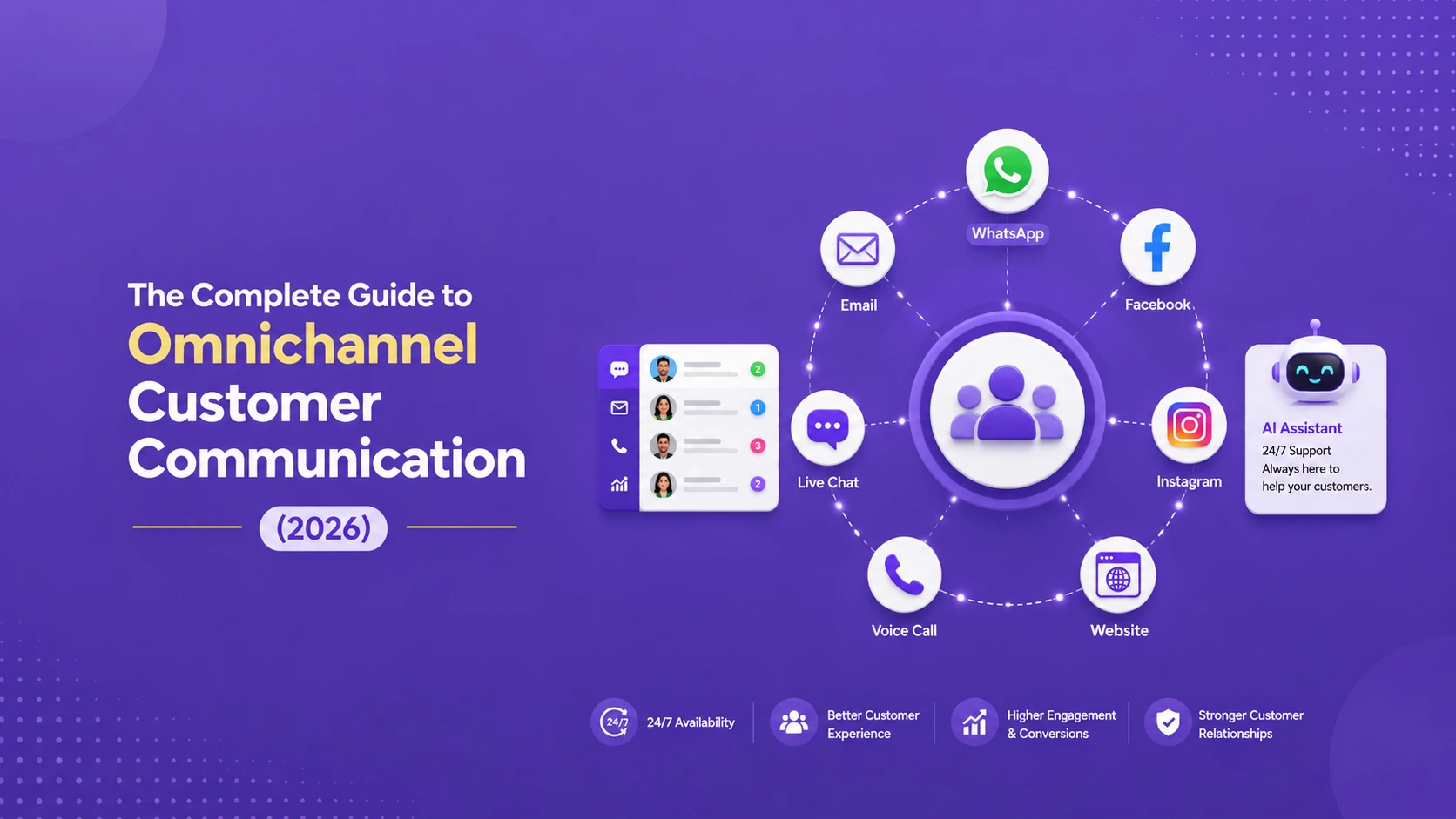
    Omnichannel customer communication is an approach where every customer-facing channel — WhatsApp, Instagram, Facebook Messenger, Telegram, email, SMS, and live chat — feeds into a single, connected conversation history. No matter where a customer reaches out, your team sees the full context: past messages, order history, and where the person is in their journey.

    The key word is connected. It’s not just about being present on many channels; it’s about those channels sharing one source of truth so the customer never has to repeat themselves.

    Omnichannel vs multichannel: the difference that matters

    People use these terms interchangeably, but they’re not the same:

    • Multichannel means you’re available on several channels, but each one is a silo. Your email team doesn’t see what the WhatsApp team said. The customer repeats their problem three times.
    • Omnichannel means those channels are integrated. A conversation that starts on Instagram can continue over email with full history intact. The experience feels like one continuous relationship, not a series of disconnected tickets.

    If you’ve ever been asked for your order number by the third support agent in a row, you’ve experienced the multichannel problem firsthand.

    Why omnichannel communication matters in 2026?

    1. Customers expect speed and continuity

    Response time is now a competitive battleground. When a buyer messages five vendors, the one who replies first — with relevant context — usually wins. Fragmented channels make fast, informed replies almost impossible.

    2. Conversations are where buying decisions happen

    More purchases now begin and end inside a chat thread. A unified view of those conversations means you can spot buying signals, answer objections instantly, and follow up at the right moment instead of letting leads go cold.

    3. Your team stops wasting time switching tools

    Every tab switch is a small tax on productivity. A unified inbox removes that tax, letting a small team handle the volume of a much larger one.

    The core building blocks of an omnichannel setup

    A genuine omnichannel system rests on a few foundations. As you explore each, we’ve linked to deeper guides in this series:

    • A shared inbox. One place where all conversations land, visible to the whole team. Start with our explainer on what a shared inbox is and how to set one up.
    • Channel connections. Native integrations with WhatsApp, Instagram, Messenger, Telegram, SMS, email, and live chat — including the WhatsApp Business API for higher-volume messaging.
    • Unified customer profiles. Every contact’s history, regardless of channel, attached to one record.
    • Automation and AI. Routing, instant replies, and AI agents that qualify leads automatically so nothing slips through the cracks.

    How to set up omnichannel communication (step by step)?

    Step 1: Map where your customers actually are

    Don’t add every channel for the sake of it. Look at where conversations already happen. For many businesses that’s WhatsApp and Instagram; for others it’s email and live chat. Prioritize the two or three channels your audience genuinely uses.

    Step 2: Connect those channels to one inbox

    Bring each channel into a single platform so every message lands in the same place. This is the step that converts “multichannel chaos” into “omnichannel clarity.”

    Step 3: Build customer context

    Ensure each conversation is tied to a contact profile with history and notes. When an agent opens a thread, they should see everything at a glance.

    Step 4: Add automation for speed

    Set up instant acknowledgements, smart routing to the right person, and AI agents to handle common questions and qualify leads 24/7. Learn more in our guide to managing customer messages across channels without chaos.

    Step 5: Measure and refine

    Track response time, resolution time, and conversion rate per channel. Double down on what works.

    Common mistakes to avoid

    • Adding channels without integrating them. That’s multichannel, and it makes things worse, not better.
    • Ignoring response time. A unified inbox is wasted if no one replies quickly. Pair it with automation.
    • Forgetting the handoff. When AI hands a conversation to a human, the transition should be seamless and the context should carry over.

    Turning omnichannel conversations into revenue

    The end goal isn’t tidy inboxes — it’s growth. When every conversation is connected, you can capture more leads, respond faster than competitors, and follow up automatically until a deal closes. That’s exactly the problem TextCRM was built to solve: an AI-powered revenue operating system that unifies WhatsApp, Instagram, Messenger, Telegram, email, SMS, and live chat into one inbox, with AI sales agents and automation built in.

    Ready to bring all your conversations together? Start your free 14-day trial (no credit card required) or book a demo to see it in action.

    Frequently asked questions

    1. What is the difference between omnichannel and multichannel?

    Multichannel means being present on multiple channels that operate in silos. Omnichannel means those channels are connected so conversations and customer history flow seamlessly between them.

    2. Which channels should a small business start with?

    Start with the two or three channels your customers already use most — commonly WhatsApp, Instagram, email, or live chat — then expand once those are running smoothly.

    3. Do I need separate tools for each channel?

    No. The point of omnichannel communication is to use one platform that connects all channels into a single inbox, so you avoid juggling separate tools and logins.

    4. How does AI fit into omnichannel communication?

    AI handles instant replies, routes conversations to the right person, and qualifies leads around the clock, so your team can focus on high-value conversations while no message goes unanswered.
  • Best AI Chatbot & Conversational CRM Tools (2026 Buyer’s Guide)

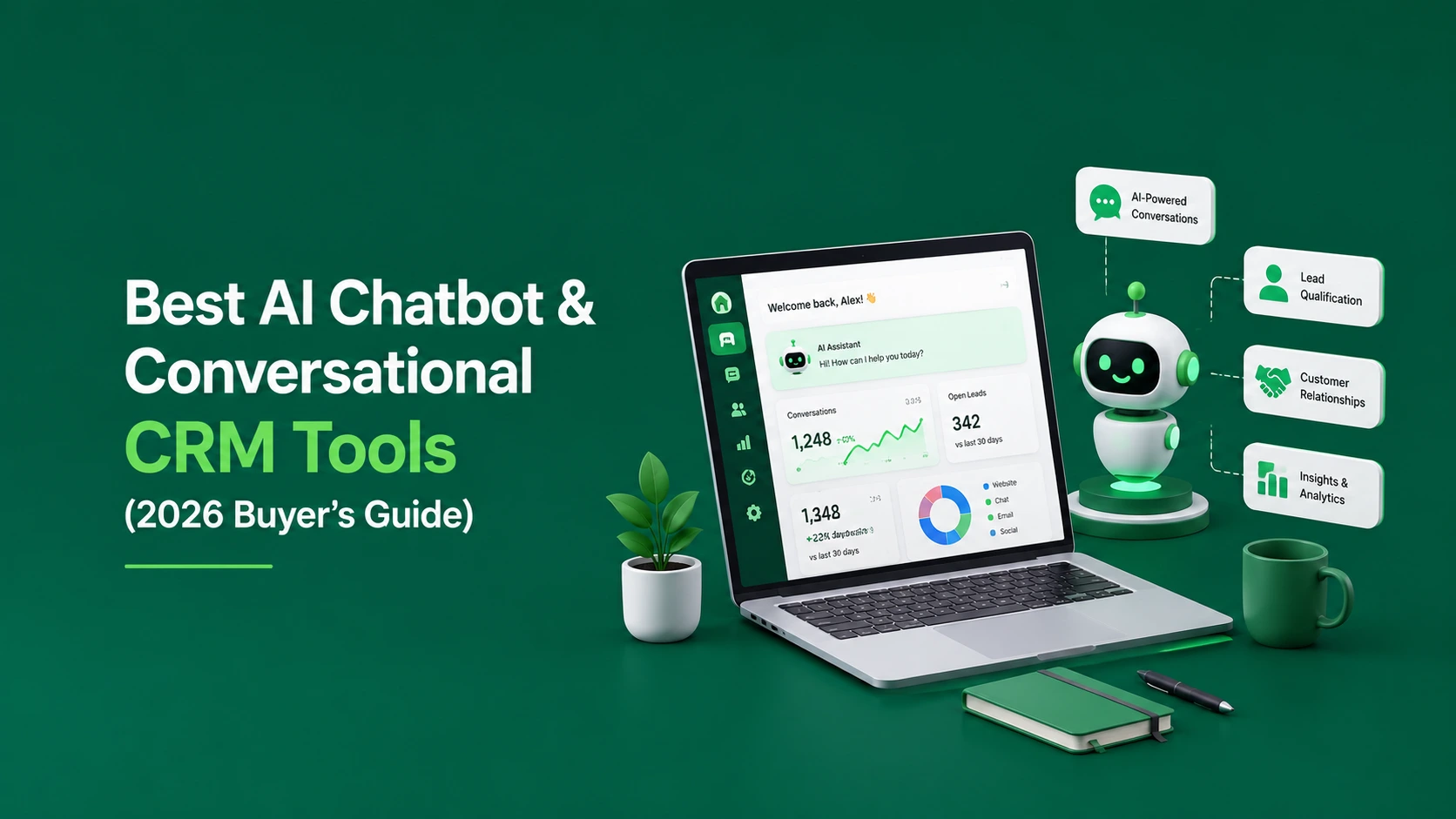
    Best AI Chatbot & Conversational CRM Tools (2026 Buyer’s Guide)

    The market for AI chatbots and conversational CRMs has exploded — which is great for buyers in theory and overwhelming in practice. Every tool claims to “use AI” and “boost revenue.” So how do you actually choose?

    This guide cuts through the noise. We’ll cover what to look for, the main categories of tools, and a practical comparison framework you can use to shortlist the right platform for your business in 2026.

    What counts as an “AI chatbot” vs a “conversational CRM”?

    These two terms overlap, but they solve different problems:

    • AI chatbots focus on automated conversations — answering questions, deflecting support tickets, and capturing basic information. Great for support and FAQs.
    • Conversational CRMs go further: they combine chat across channels with lead tracking, a sales pipeline, automation, and reporting. They’re built to turn conversations into revenue, not just resolve tickets. We break this down fully in what is a conversational CRM.

    If your goal is purely support deflection, a chatbot may be enough. If your goal is growth — capturing, qualifying, and closing leads — you want a conversational CRM.

    What to look for when comparing tools?

    Before you look at any product, decide which of these criteria matter most to you. They form the backbone of the comparison framework below.

    1. Channel coverage

    Does it connect the channels your customers actually use — WhatsApp, Instagram, Messenger, Telegram, SMS, email, live chat — into one place? A tool that only does website chat will leave gaps. (See our guide to omnichannel communication.)

    2. Quality of AI

    Can the AI genuinely understand intent, qualify leads, book meetings, and hand off to a human smoothly — or does it just fire canned replies? Look for AI sales agents rather than basic rule-based bots.

    3. CRM and pipeline features

    Does it track leads, deals, and the customer journey, or do you still need a separate CRM? An integrated pipeline saves you a second subscription and a sync headache.

    4. Automation depth

    Can you build follow-up sequences and workflows without code? Automation is what keeps leads warm after the first message.

    5. Pricing and scalability

    Is pricing predictable as you grow? Watch for per-seat costs and conversation caps that balloon unexpectedly.

    6. Ease of setup

    Can your team get value in days, not months? Long implementations kill momentum.

    Categories of tools in the market

    Rather than rank vendors with figures that change constantly, it’s more useful to understand the categories — then evaluate specific products against the criteria above using their current pricing pages.

    1. Website-first live chat & chatbots

    Tools like Tidio, Intercom, Drift, and Chatwoot started with website chat and live messaging, with varying degrees of AI and CRM features layered on. They’re strong on support use cases. If you’re weighing one of these, see our deeper look at Tidio alternatives.

    2. Traditional CRMs with chat bolted on

    Large CRMs add chat and chatbot modules, but conversations often feel secondary to the database. Powerful, but can be heavy and expensive for smaller teams.

    3. Conversational CRMs (revenue-focused)

    A newer category — including TextCRM — that treats the conversation as the center of gravity. These unify every messaging channel, add AI sales agents that qualify and close, track the pipeline, and automate follow-ups, all in one platform. The aim is explicitly to turn conversations into revenue.

    A simple comparison framework

    Score each shortlisted tool from 1–5 on the criteria that matter to you, then weight them:

    • Channel coverage (how many of your channels are native?)
    • AI capability (qualify, book, close — not just reply)
    • Built-in CRM & pipeline
    • No-code automation
    • Predictable pricing at your expected volume
    • Time-to-value

    The highest weighted score wins. This beats picking the tool with the flashiest homepage.

    Where TextCRM fits?

    If you want a single platform that combines an omnichannel inbox, AI sales agents, a conversational CRM, and no-code automation — without stitching together three subscriptions — TextCRM is built exactly for that. It’s designed for businesses that want conversations to drive measurable revenue, with a 14-day free trial and no credit card required.

    Want to see how it compares for your use case? Start a free trial or check the pricing to compare plans.

    Frequently asked questions

    1. What is the best AI chatbot for ecommerce?

    The best choice depends on your channels and goals. For ecommerce, prioritize tools with strong WhatsApp and Instagram coverage, abandoned-cart automation, and a built-in CRM to track repeat buyers — capabilities you’ll find in a conversational CRM rather than a basic website chatbot.

    2. Do I need both a chatbot and a CRM?

    Not necessarily. A conversational CRM combines both, so you get automated conversations and lead/pipeline tracking in one tool instead of paying for and syncing two.

    3. How much do AI chatbot tools cost?

    Pricing varies widely by vendor and is usually based on seats, contacts, or monthly conversations. Always check the current pricing page and model your expected volume before committing, since costs can scale quickly.

    4. How long does it take to set up an AI chatbot?

    Simple website chatbots can be live in hours. A full conversational CRM with multiple channels and automation typically takes a few days to configure well — far less than a heavyweight enterprise CRM.

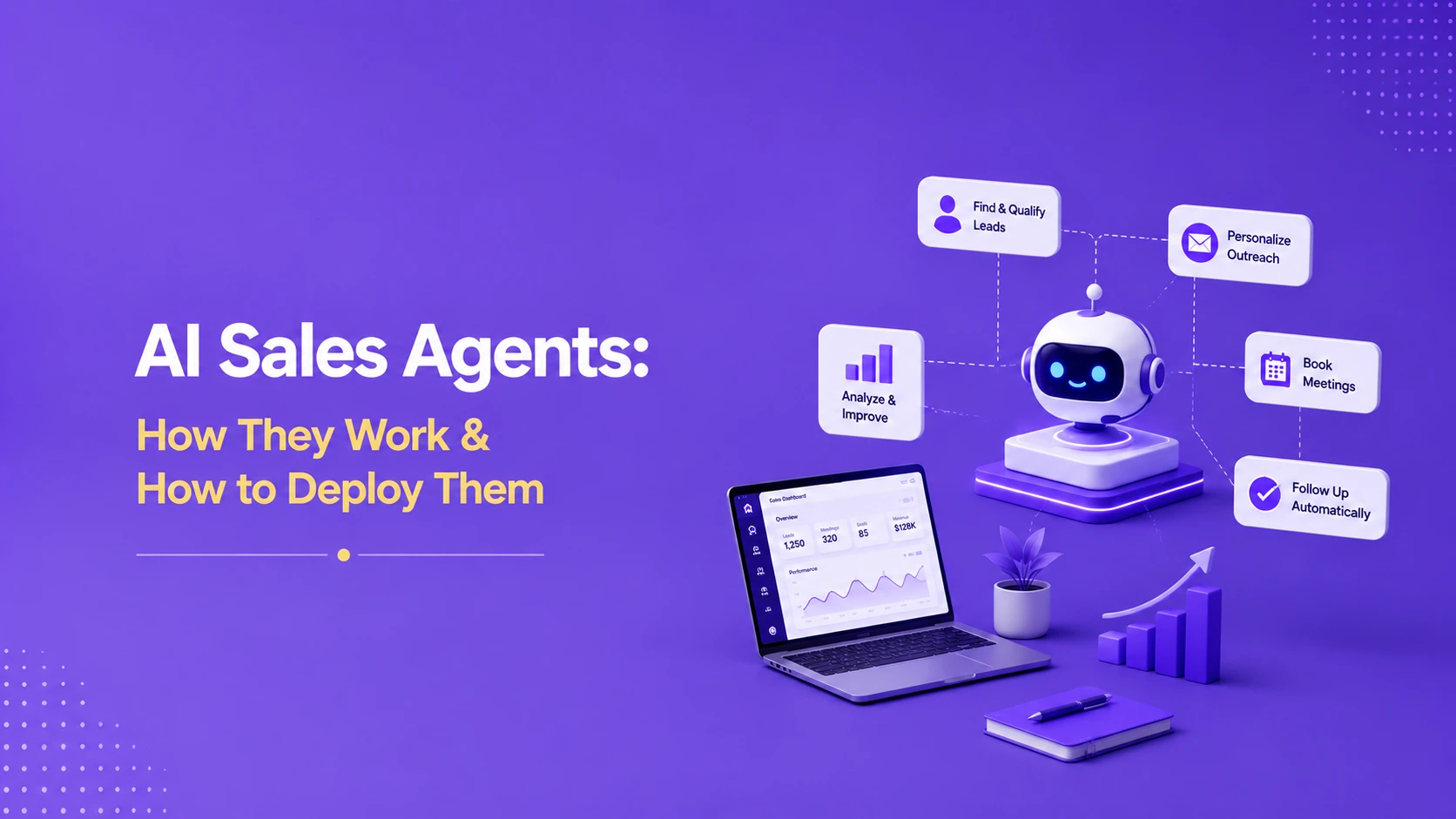
  • AI Sales Agents: How They Work & How to Deploy Them?

    AI Sales Agents: How They Work & How to Deploy Them?

    “AI sales agent” is one of the most hyped phrases in business software right now. Behind the buzz, though, is a genuinely useful idea: software that can hold a real conversation with a prospect, answer questions, qualify them, book a meeting, and hand off to a human at exactly the right moment — 24 hours a day.

    This guide explains what AI sales agents actually are, how they work, what they can and can’t do, and how to deploy one without alienating your customers.

    What is an AI sales agent?

    An AI sales agent is software that uses conversational AI to engage prospects across messaging channels and move them toward a sale. Unlike a basic chatbot that follows rigid scripts, a modern AI sales agent understands natural language, draws on your business context, and can take meaningful actions — like qualifying a lead or scheduling a call.

    Think of it as a tireless first-line salesperson: it never sleeps, replies instantly, and never forgets to follow up.

    AI sales agent vs chatbot: what’s the difference?

    • A traditional chatbot matches keywords to pre-written answers. Ask it something off-script and it breaks.
    • An AI sales agent interprets intent, handles unexpected questions, and adapts the conversation — then performs tasks like booking a meeting or logging a lead in your conversational CRM.

    How AI sales agents work?

    1. They understand the message

    Using natural language understanding, the agent interprets what the customer actually means — not just the keywords they used.

    2. They draw on your business context

    A good agent is grounded in your products, pricing, FAQs, and policies, so its answers are accurate and on-brand.

    3. They qualify the lead

    The agent asks the right questions to gauge fit and intent — budget, need, timeline — and scores the lead accordingly. Learn more in how to qualify leads automatically.

    4. They take action

    Booking a demo, capturing contact details, sending a follow-up, or routing the conversation to the right human — the agent does the work, not just the talking.

    5. They hand off cleanly

    When a conversation needs a person, the agent passes it over with full context, so the customer never repeats themselves.

    What AI sales agents are great at (and what they’re not)?

    Great at

    • Instant first responses, so leads never wait
    • Handling repetitive questions at scale
    • Qualifying and routing leads around the clock
    • Following up consistently (where most human pipelines leak)
    • Working across every channel at once — WhatsApp, Instagram, web chat, and more

    Not a replacement for

    • Complex negotiations and high-touch enterprise deals
    • Building deep, long-term relationships
    • Judgment calls that need human empathy

    The best results come from AI plus human: the agent handles volume and speed; people handle nuance and closing.

    How to deploy an AI sales agent (step by step)?

    Step 1: Define the job

    Decide what you want the agent to do first — qualify inbound leads? Book demos? Answer pre-sales questions? Start with one clear job.

    Step 2: Feed it your knowledge

    Give it accurate information about your products, pricing, and common objections. Garbage in, garbage out.

    Step 3: Set qualification rules

    Define what a “good lead” looks like and the questions the agent should ask to identify one.

    Step 4: Design the human handoff

    Decide when and how the agent escalates to a person, and make sure context transfers with the conversation.

    Step 5: Connect your channels

    Deploy the agent where your customers already message you, ideally through a single unified inbox so all conversations stay in one place.

    Step 6: Measure and improve

    Track qualified leads, response time, booked meetings, and conversion rate. Refine the agent’s prompts and rules based on real conversations.

    The payoff: faster responses, more qualified leads

    Businesses that deploy AI sales agents typically respond to leads in seconds instead of hours, qualify more prospects without adding headcount, and stop losing deals to slow follow-up. The agent does the heavy lifting so your team spends time only on conversations that matter.

    TextCRM includes AI sales agents that work across every channel, qualify leads, book meetings, and hand off to your team — all connected to a built-in conversational CRM and automation engine.

    Want to put an AI sales agent to work? Start your free 14-day trial (no credit card needed) or book a demo.

    Frequently asked questions

    1. Will an AI sales agent replace my sales team?

    No. It handles speed, volume, and repetitive qualification so your team can focus on closing and relationship-building. The strongest setups combine AI and humans.

    2. Can an AI sales agent book meetings on its own?

    Yes. A capable agent can check availability, propose times, and book the meeting directly into your calendar, then hand off to the right person.

    3. How is an AI sales agent different from a chatbot?

    A chatbot follows rigid scripts; an AI sales agent understands natural language, adapts to unexpected questions, and takes actions like qualifying leads and scheduling demos.

    4. How long does it take to set one up?

    With a platform that has it built in, you can have a working agent live in a few days once you’ve supplied your product information and qualification rules.

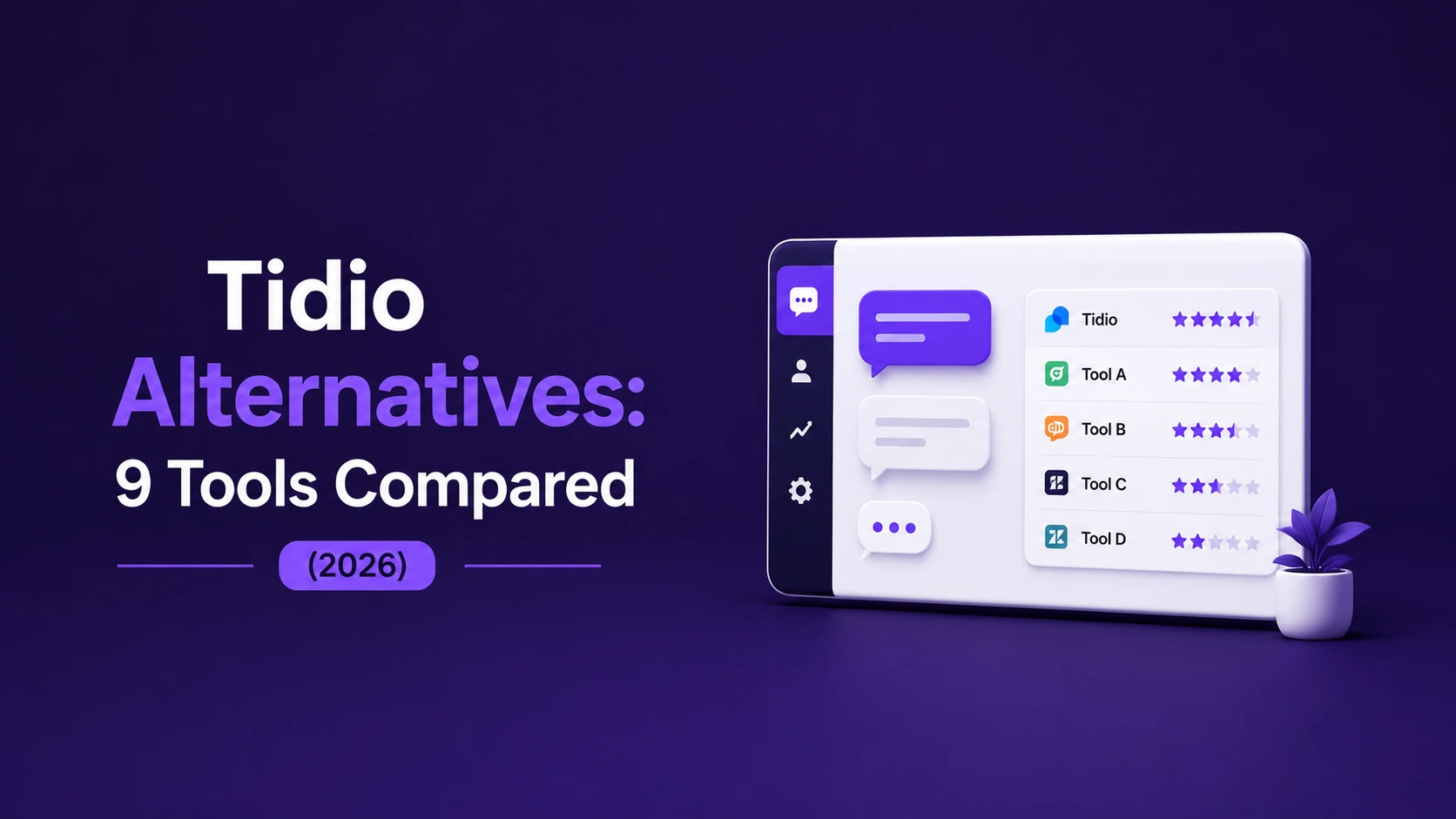
  • Tidio Alternatives: 9 Tools Compared (2026)

    Tidio Alternatives: 9 Tools Compared (2026)

    Tidio is a popular live chat and chatbot tool, especially with small businesses and ecommerce stores. But it isn’t the right fit for everyone. Maybe you need broader messaging-channel coverage, deeper AI that actually qualifies and closes leads, a built-in CRM, or more predictable pricing as you scale.

    If you’re shopping around, this guide walks through the main categories of Tidio alternatives, what each is good for, and how to choose. Because vendor features and prices change often, we focus on how to evaluate each option rather than quoting figures that go stale — always confirm specifics on each provider’s current pricing page.

    Why look for a Tidio alternative?

    Common reasons businesses switch or shop around:

    • You need more channels. If most of your conversations happen on WhatsApp, Instagram, or Telegram, you want native, unified coverage rather than website chat as the main event. (See our guide to omnichannel communication.)
    • You want stronger AI. You’re after AI sales agents that qualify leads and book meetings, not just deflect FAQs.
    • You want a built-in CRM. You’d rather track leads and your pipeline in the same tool than bolt on a separate CRM.
    • Pricing predictability. You want costs that stay sane as your volume grows.

    How to evaluate any Tidio alternative?

    Score each option on the criteria that matter to you:

    • Channel coverage (WhatsApp, Instagram, Messenger, Telegram, SMS, email, live chat)
    • AI quality (qualify and close, not just reply)
    • Built-in CRM and pipeline
    • No-code automation and workflows
    • Pricing model at your expected volume
    • Time-to-value and ease of setup

    9 Tidio alternatives to consider in 2026

    1. TextCRM — best for turning conversations into revenue

    TextCRM is an AI revenue operating system that unifies WhatsApp, Instagram, Messenger, Telegram, email, SMS, and live chat in one inbox, adds AI sales agents that qualify and close, includes a conversational CRM and pipeline, and lets you build no-code automation. It’s a strong fit if your priority is growth across messaging channels rather than website-only chat. Offers a 14-day free trial, no credit card required.

    2. Intercom — best for product-led support at scale

    A mature platform strong in customer support, help-desk features, and in-app messaging. Powerful, but can be more than smaller teams need, and pricing tends to climb with usage.

    3. Drift — best for B2B conversational marketing

    Focused on conversational marketing and sales for B2B, with chat-to-pipeline features. Worth a look if your motion is heavily website-and-demo driven. We compare the two in Drift vs Intercom.

    4. Chatwoot — best open-source option

    An open-source, self-hostable customer engagement suite. Appealing if you want control over your data and have the technical resources to host and maintain it.

    5. Freshchat (Freshworks) — best within an existing Freshworks stack

    Messaging and chatbot tooling that fits neatly if you already use Freshworks products.

    6. Crisp — best lightweight shared inbox

    A simple, affordable shared inbox with chat and basic automation — good for small teams getting started.

    7. LiveChat — best for dedicated website live chat

    A long-established website live chat tool with a large integration ecosystem, strongest when web chat is your main channel.

    8. ManyChat — best for social DM automation

    Popular for Instagram and Messenger marketing automation, particularly with creators and ecommerce brands focused on social.

    9. Zendesk — best for enterprise help desk

    An enterprise-grade support suite with messaging add-ons. Robust for large support operations, heavier than most SMBs need.

    Which alternative should you choose?

    • Want revenue across messaging channels with AI + CRM in one tool? Look at TextCRM.
    • Heavy support operation? Intercom or Zendesk.
    • B2B website-and-demo motion? Drift.
    • Want to self-host? Chatwoot.
    • Social-first marketing? ManyChat.

    Match the tool to your primary channel and goal, not to whichever has the longest feature list.

    Why teams pick TextCRM over Tidio?

    If your conversations live on WhatsApp and Instagram as much as your website, and you want AI that qualifies and closes plus a built-in CRM, TextCRM consolidates what would otherwise be several tools. That means one login, one conversation history, and one place where chats turn into deals.

    See it for yourself. Start a free 14-day trial or compare plans and pricing.

    Frequently asked questions

    1. Is there a free Tidio alternative?

    Several tools offer free tiers or free trials. Chatwoot (open-source) can be self-hosted, and many platforms — including TextCRM — offer a free trial so you can evaluate before paying.

    2. What is the best Tidio alternative for WhatsApp and Instagram?

    If messaging channels are your priority, choose a tool with native, unified coverage of WhatsApp, Instagram, and Messenger in one inbox, such as TextCRM, rather than a website-chat-first product.

    3. What is the best Tidio alternative for ecommerce?

    Look for abandoned-cart automation, social DM coverage, and a built-in CRM to track repeat buyers. A conversational CRM generally fits ecommerce better than a basic chatbot.

    4. How do I migrate from Tidio to another tool?

    Export your contacts and conversation history, connect your channels to the new platform, recreate your automations, then run both briefly in parallel before fully switching over.

  • What Is a Conversational CRM? (And Why It Beats a Traditional CRM?)

    What Is a Conversational CRM? (And Why It Beats a Traditional CRM?)

    Traditional CRMs were built for a world of phone calls and spreadsheets, where a salesperson logged activity after it happened. But today, most customer relationships actually live inside conversations — WhatsApp threads, Instagram DMs, live chats, emails. A conversational CRM is built for that reality.

    This guide explains what a conversational CRM is, how it differs from a traditional CRM, the benefits, and how to tell if your business needs one.

    What is a conversational CRM?

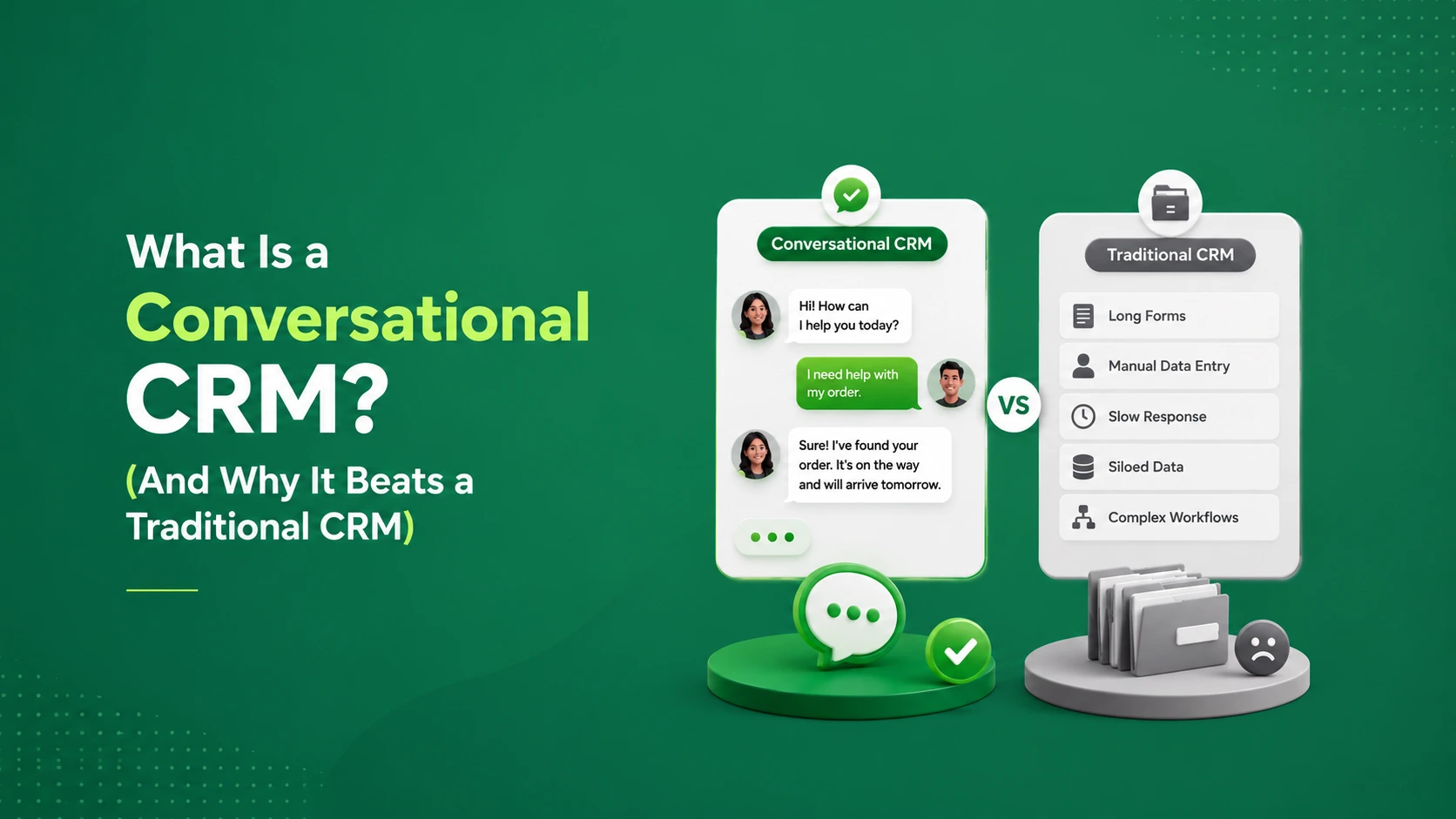
    A conversational CRM is a customer relationship management system built around real-time messaging. Instead of treating conversations as something you log separately, it makes the conversation itself the center of the record. Every chat across every channel automatically feeds the customer’s profile, pipeline stage, and history.

    In short: a traditional CRM stores data about conversations. A conversational CRM is the conversation, with the CRM built in.

    Conversational CRM vs traditional CRM

    Aspect Traditional CRM Conversational CRM
    Core unit Records and fields Live conversations
    Data entry Manual logging after the fact Automatic from every chat
    Channels Often email/phone-centric WhatsApp, Instagram, SMS, chat, email — unified
    Response speed Slower, batch follow-ups Instant, often AI-assisted
    Best for Structured, long sales cycles Fast, messaging-driven sales

    Neither is “better” in the abstract — but if your customers prefer to message you, a conversational CRM removes the friction that traditional CRMs create.

    Why a conversational CRM beats a traditional CRM for messaging-driven businesses?

    1. No more manual data entry

    Reps hate logging activity, and they often skip it, leaving your CRM full of gaps. A conversational CRM captures every interaction automatically because the conversation is the data.

    2. Full context in one place

    Every channel feeds one profile, so anyone on your team can see the entire relationship at a glance. This is the payoff of omnichannel communication applied to your CRM.

    3. Speed that wins deals

    Because it’s built on live messaging, you can respond — or let an AI sales agent respond — in seconds. Faster responses consistently convert better.

    4. Conversations turn into pipeline automatically

    Leads, deal stages, and follow-ups update as conversations progress, so your pipeline reflects reality without busywork.

    5. Automation built in

    Follow-up sequences, reminders, and qualification run automatically, so leads don’t go cold while someone “gets around to it.”

    What to look for in a conversational CRM?

    • Unified inbox across all your messaging channels
    • Automatic contact and pipeline updates from conversations
    • AI agents that qualify leads and book meetings
    • No-code automation for follow-ups and workflows
    • Analytics that tie conversations to revenue

    If you’re weighing specific products, see our buyer’s guide to AI chatbot and conversational CRM tools.

    Does your business need a conversational CRM?

    You’re a strong candidate if:

    • Most of your customer conversations happen over messaging apps
    • Your team forgets to log activity in a traditional CRM
    • Leads slip through the cracks because follow-up is inconsistent
    • You’re juggling separate tools for chat and for your pipeline
    • Speed of response is a competitive advantage in your market

    If you’re still tracking leads in a spreadsheet, our guide on how to track leads (spreadsheet vs CRM) is a good next read.

    Turn conversations into revenue with TextCRM

    TextCRM is a conversational CRM built for exactly this: a unified inbox across WhatsApp, Instagram, Messenger, Telegram, email, SMS, and live chat; AI sales agents that qualify and close; automatic pipeline tracking; and no-code automation — all in one platform. No manual logging, no scattered tools, no cold leads.

    Ready to make your conversations work for you? Start a free 14-day trial (no credit card required) or view pricing.

    Frequently asked questions

    1. What is a conversational CRM in simple terms?

    It’s a CRM built around live messaging. Instead of manually logging interactions, it automatically captures every conversation across channels and updates your contacts and pipeline in real time.

    2. How is a conversational CRM different from a traditional CRM?

    A traditional CRM stores records you update manually and is often email- or phone-centric. A conversational CRM centers on real-time chat across channels and updates itself as conversations happen.

    3. Is a conversational CRM good for small businesses?

    Yes — especially small teams whose customers message them on WhatsApp, Instagram, or live chat. It reduces admin, speeds up responses, and prevents leads from being forgotten.

    4. Can a conversational CRM replace my existing CRM?

    For messaging-driven businesses, often yes. If you have complex, long enterprise sales cycles, you may run both — but many teams consolidate into a single conversational CRM to remove tool sprawl.